
Order Guide
Events & Webinars
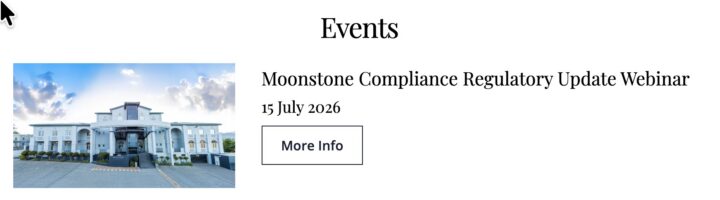
Events Archive
To purchase a ticket, go to the events page and click on the More Info button
which will take you to the single event page.
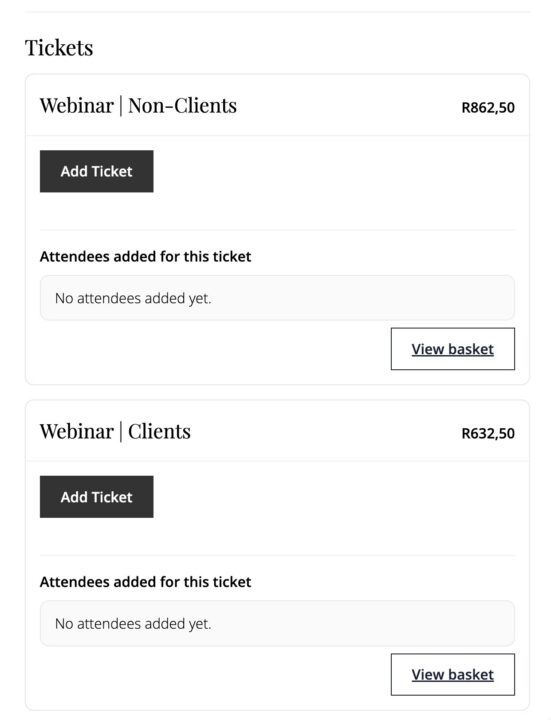
Single Event Page
Scroll down top the ticket section and click on the relevant Add Ticket button.
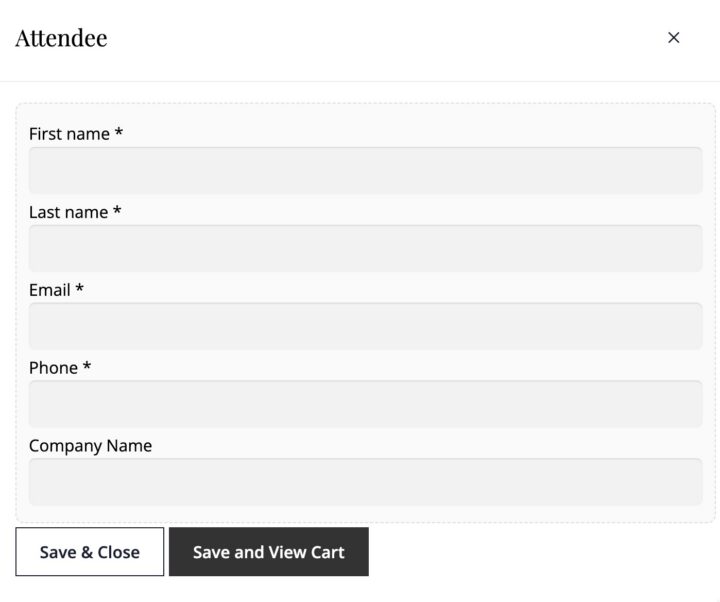
Attendee Info
Complete the attendee detail fields and click on Save & View Cartto continue to purchase or Save & Close to add another ticket.
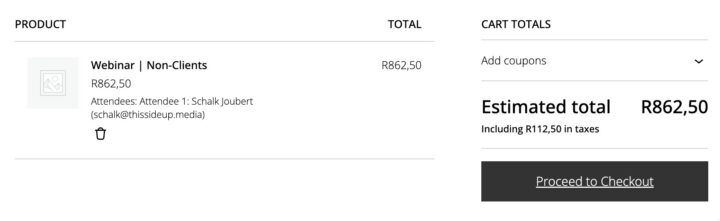
Cart Page
You will be directed to the CART page where you can review your order.
If you are happy with your selection, click on the Proceed to Checkout button.
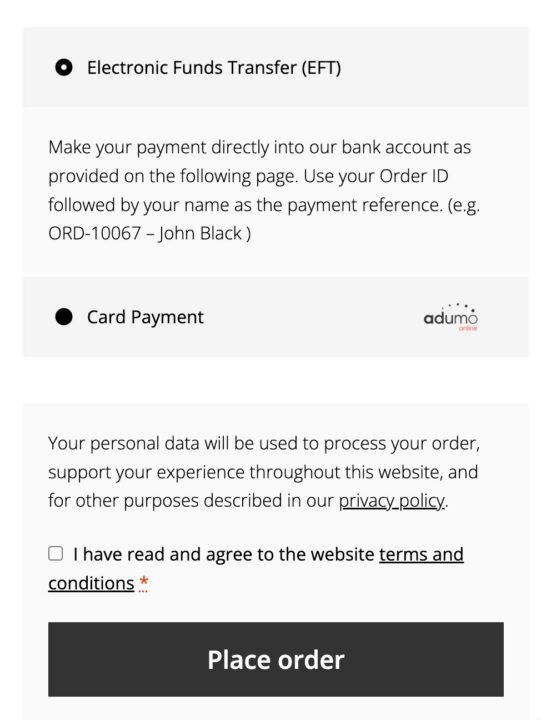
Checkout Page
- Should you have a discount coupon, you can enter it here.
- Please complete all the required fields.
- Select your preferred method of payment
- Review the Terms & Conditions
- Click on
Place Order
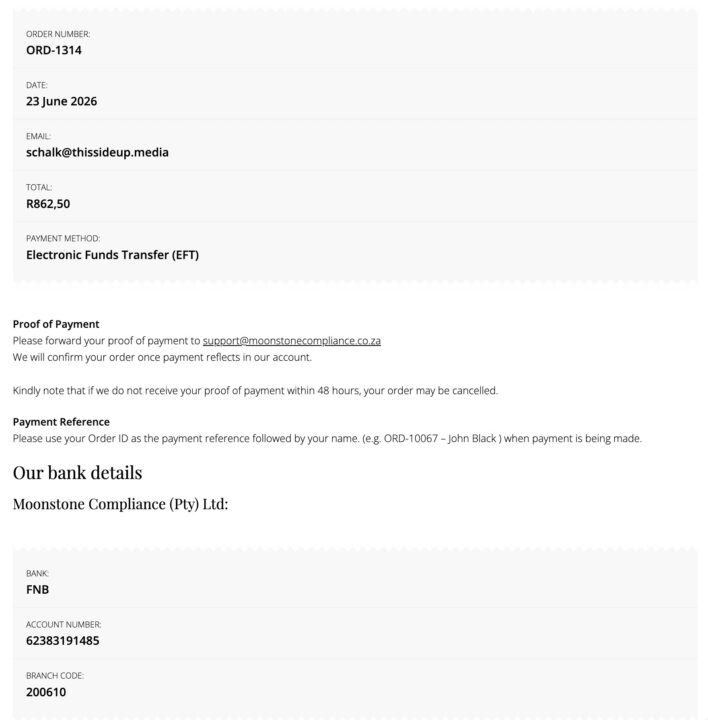
Confirmation Page
Card Payments
- You will also receive an email confirming your order
EFT Payments
- This page will include our banking detail.
- You will also received an email with our banking detail